/filters:quality(80)/fit-in/630x380/blog/image-1792132715.png "Custom sticker sheets and die-cut stickers with colorful logos and illustrations spread across a wooden desk beside a laptop showing a sticker design")
What's the difference between a sticker you peel off a single backing and one you cut yourself from a crowded sheet of designs? More than you'd think, and picking the wrong format is the fastest way to waste a print run.
If you've never done it before, designing a sticker sheet can feel like a bigger project than it actually is. This blog post walks through the design process step by step, compares sticker sheets against individual singles, gives tips for business owners using stickers for marketing, and covers when it makes sense to send your finished file to a professional printer.
How to Design a Sticker Sheet That's Ready for Print
A sticker sheet is just one piece of material, usually a single sheet holding several individual sticker designs that get cut apart after printing. Before you open any design software, it helps to sketch out your layout on paper first: how many designs, roughly what size each one needs to be, and how much space to leave between them so a cutting machine or scissors can separate them cleanly.
Picking a Design Tool
To create custom stickers that have a simple design (a logo, a short phrase, a flat graphic) Canva Pro is a reasonable starting point since it includes templates sized for sticker sheets and exports with a transparent background built in. For more detailed artwork, Adobe Illustrator gives you vector-based design elements that scale cleanly from a small individual sticker up to a full 8" × 11" sheet without getting blurry. Alternatively, you can also get help from a professional designer or a printing company to style and set the layout of your sticker sheets, or you can work from templates.
Getting the File Right: Transparent Background, Sticker Size, and File Size
A few practical tips make the difference between a design that prints cleanly and one that doesn't:
- Transparent background. Export your artwork with a transparent background, not a white background, so the sticker's edge follows the shape of your design instead of a visible white box.
- Sticker size. Decide on your individual sticker size before you start placing elements; resizing after the fact distorts fine details and small text.
- File size. Keep your file size manageable. A single sheet packed with high-resolution artwork can get large fast. Most design programs show the current file size in the save or export window, so it's easy to check before you download the finished file.
Sticker Sheets vs. Singles: Which Format Should You Choose?
This is the question most people land on once they've got a design ready: should it go on a sticker sheet with other designs, or printed as an individual sticker on its own?
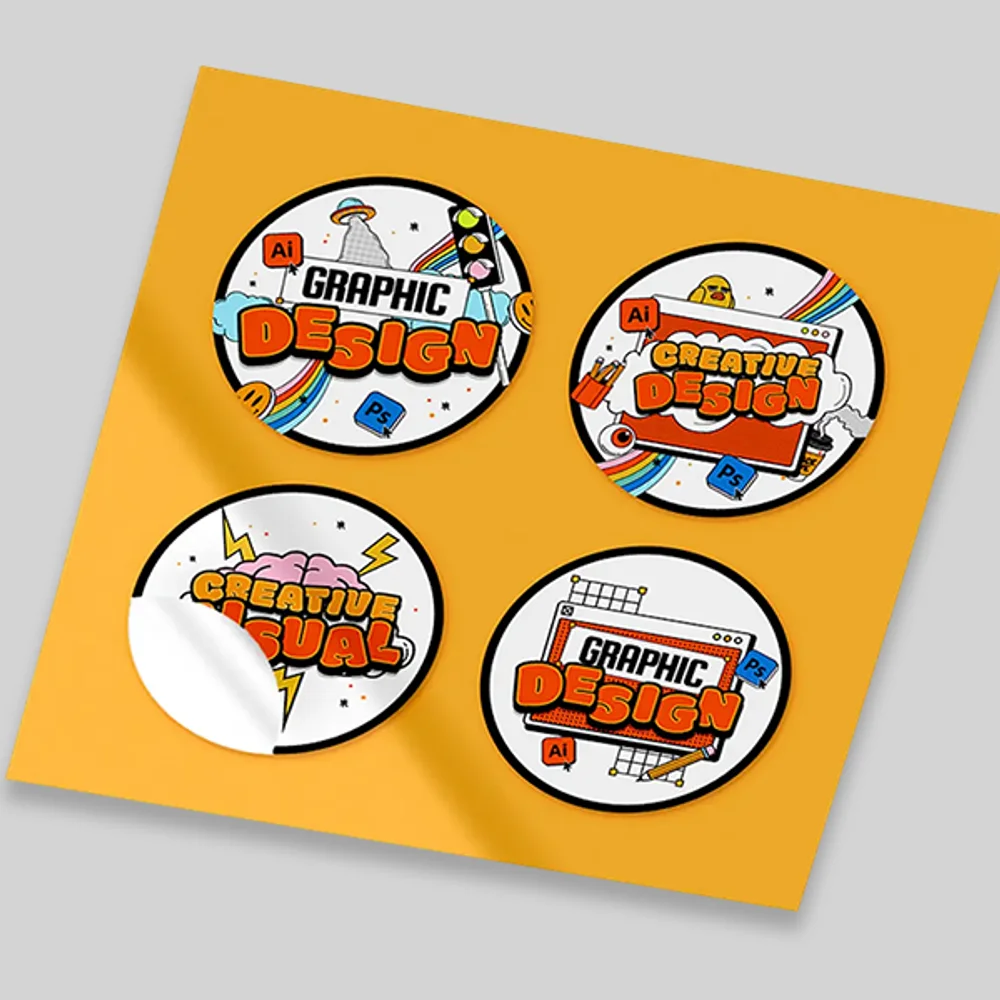
A sticker sheet packs multiple designs, such as a mix of logos, icons, quotes, or seasonal graphics, onto one piece of material, cut apart by the end user or left intact as a sheet. Wrist-Band.com offers vinyl sticker sheets custom printed to order in a 4" × 6" or 8" × 11" format, full-color printed, with a matte or glossy finish and waterproof, UV-resistant vinyl rated for indoor and outdoor use. Because one sheet holds several designs, it's the practical choice for organized giveaways, retail inserts, or any promotional packaging where you want a collection of related graphics distributed together rather than one design per item.
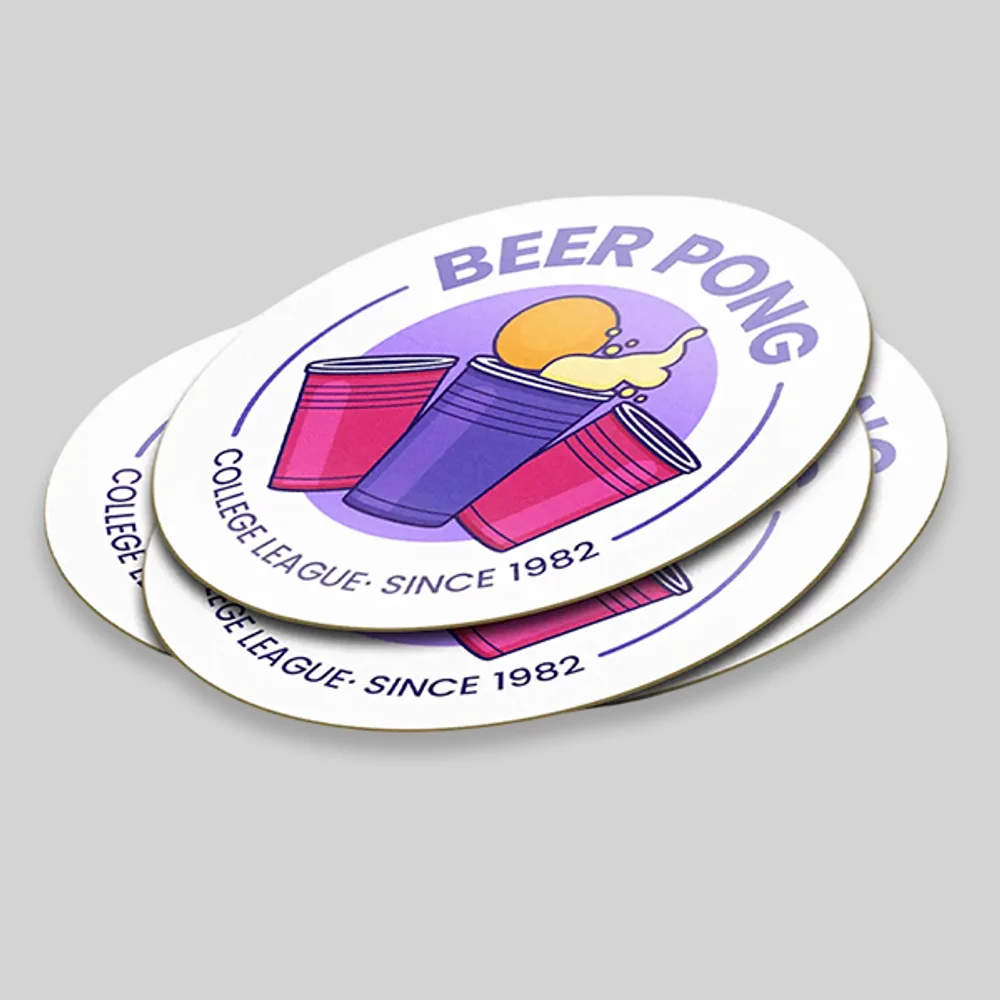
Singles (individual stickers, typically die-cut or kiss-cut to the shape of the artwork) work better when a single design needs to stand on its own: a logo on a laptop, a label on packaging, or a sticker meant to go on water bottles one at a time. Wrist-Band.com's bulk stickers are available in five shapes (custom, round, rectangle, square, oval), four sizes from 2" × 2" up to 5" × 5", and a longer list of materials than the sticker sheet product offers: vinyl, holographic, kraft, epoxy, clear stickers, PVC, metallic gold or silver, crepe, coated art paper, transfer, and metallic, in die-cut, kiss-cut, or sheet styles.
If you need one design repeated many times, singles are the simpler way to count and price the job. If you want several different designs distributed together as a set, a sheet does that in a single print run.
Sticker Designs That Work Well on a Single Sheet
Not every design belongs on the same sheet. A few practical tips for sticker sheet design:
- Group by theme. A sheet works best when the designs share a visual thread — a color palette, a mascot, a seasonal theme — so the finished sheet looks intentional rather than random.
- Vary sticker size slightly. A mix of a few larger focal designs and several smaller accent stickers makes better use of the sheet than a rigid grid of identically sized stickers.
- Leave a visible outline or border. A thin white or colored outline around each design on the sheet makes individual stickers easier to see and cut apart, especially for anyone cutting by hand rather than with a machine.
- Think about where the sticker will end up. A sticker meant for a laptop or notebook can handle more intricate artwork than one meant for a water bottle, which gets more handling, moisture, and friction.
Fitting More Designs onto a Single Sheet
More designs packed onto one sheet means more variety from a single print run, which is part of why sheets are popular for fan art, planner stickers, and brand sticker packs that mix a logo with smaller supporting graphics.
Die-Cut vs. Kiss-Cut Stickers: What's the Difference?
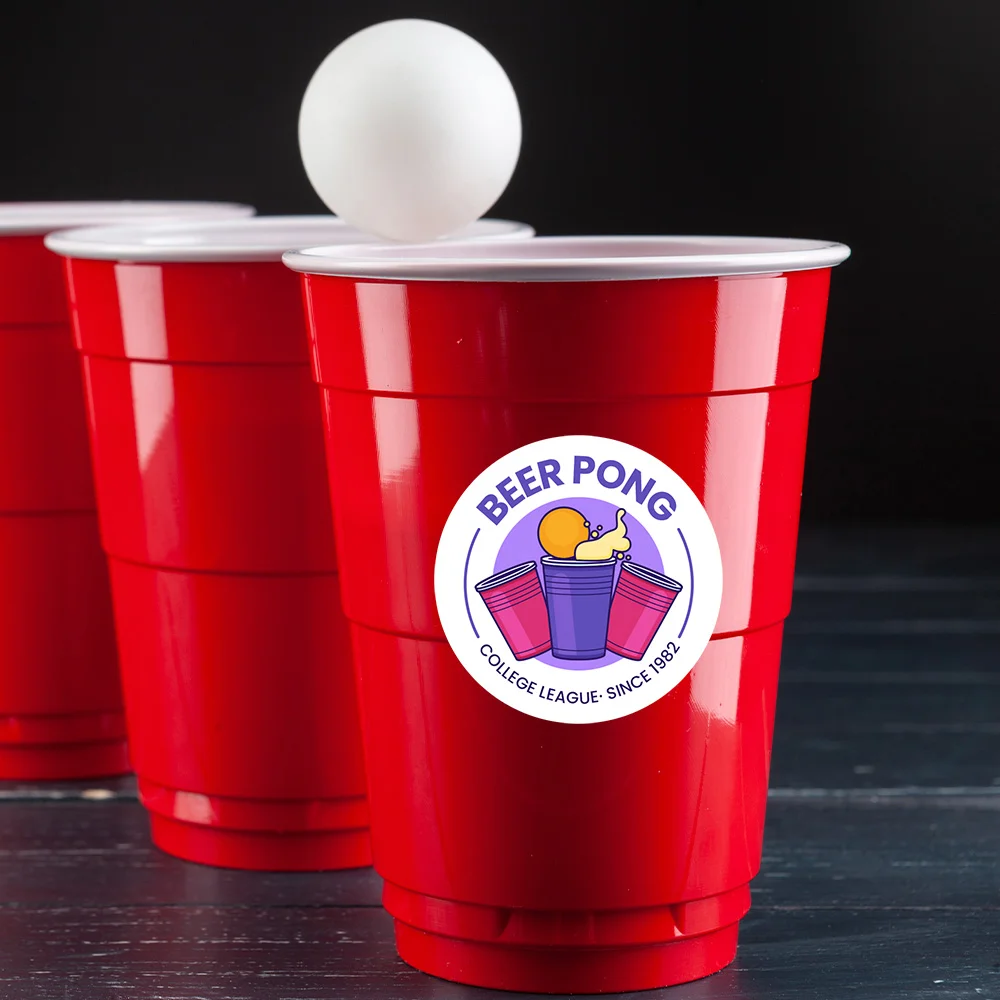
These two terms get mixed up constantly, and the distinction matters for how your stickers are used. A die-cut sticker separates completely from its backing, while a kiss-cut sticker stays attached to the backing sheet until someone peels it off. That's what lets you peel one sticker off a sheet while the rest stay in place on the backing, ready to use later.
Wrist-Band.com's bulk stickers offers both die-cut and kiss-cut as style options, alongside the uncut sheet format, so you can customize the order to match how the stickers will be handled: die-cut when each piece needs to separate completely, kiss-cut when you want to keep the backing intact until someone's ready to peel a single sticker free, like name tags or badges handed out at an event.
Key Insight: Choose die-cut when each sticker will be handed out on its own, and kiss-cut when several stickers should stay together on one backing until they're used.
Custom Bulk Stickers
- Die-cut, kiss-cut, or sheet styles in five shapes
- Vinyl, holographic, kraft, clear, PVC, metallic, and more
- As low as $0.16 per sticker at 5,000 units
Creating Stickers for a Small Business or Brand
Stickers aren't just a hobbyist project. A small business can use a branded sticker sheet or set of individual stickers the same way it would use any other piece of printed collateral: packed into shipped orders, handed out at a market stall, added as a tag on a package, or left at the shop counter as a free "take one" display.
Because sticker sheets group multiple designs onto a single sheet, they're a practical option for a brand that wants to distribute a small sticker pack rather than a single logo sticker: one sheet might carry a primary logo alongside a couple of smaller icon or tagline stickers, all produced in one print run from a single piece of artwork. For digital products or online stores, stickers also work well as a tangible freebie or purchase bonus, and a well-designed badge or logo sticker is an easy way to turn an otherwise intangible brand into something a customer can actually hold and stick somewhere they'll see it again.
Custom sticker sheets printing through a professional printer like Wrist-Band.com uses full-color digital print, so a brand's exact logo colors and any multi-design layout (several separate designs, each with its own artwork, text, and spacing) can be reproduced accurately on one sheet without the ink and alignment limitations of a home printer and regular sticker paper from a craft store. Professional sticker printing also means consistent color matching across a full reorder, which is harder to guarantee with a home setup.
Frequently Asked Questions
How Do I Design a Sticker Sheet If I've Never Made One Before?
Start by sketching your layout (how many designs and roughly what size each one needs) before opening design software. Canva Pro works well for simple designs with built-in templates, while Adobe Illustrator suits more detailed artwork. Export with a transparent background, keep file size manageable, and always run a test print before using your actual sticker paper.
What's the Difference Between a Die-Cut Sticker and a Kiss-Cut Sticker?
A die-cut sticker is cut all the way through the sticker material and backing, so it comes away as a fully separate piece. A kiss-cut sticker is cut through only the top printable layer, leaving the backing sheet intact so the sticker can be peeled off later while the rest of the sheet stays organized on its liner.
Can I Print a Sticker Sheet on a Regular Inkjet Printer at Home?
Yes, a regular inkjet printer and the right sticker paper can produce a sticker sheet for personal use, freebies, or testing a design. It's a reasonable option at a small scale, but ink and paper costs add up quickly at volume, and home-printed stickers generally don't hold up to water or sun exposure the way professionally printed vinyl stickers do.
What Format Options Are Available for Custom Sticker Sheets?
Wrist-Band.com's custom vinyl sticker sheets come in a 4" × 6" or 8" × 11" format, full-color digitally printed, with a matte or glossy finish. The material is waterproof and UV-resistant, making it suitable for indoor and outdoor use. Bulk pricing is available starting at a quantity of 10, with the per-sheet price dropping at each higher quantity tier.
Order Custom Sticker Sheets from Wrist-Band.com
Custom Vinyl Sticker Sheets
- 4" × 6" or 8" × 11" format, full-color digital print
- Matte or glossy finish, waterproof and UV-resistant
- As low as $0.66 per sheet at 5,000 units
Why Wrist-Band.com Is the Right Choice for Custom Stickers
Whether you're packing a sheet with several designs or ordering individual die-cut stickers for a single logo, the right choice comes down to how the finished stickers will actually be used: distributed as a set, or applied one at a time.
Here's what makes Wrist-Band.com a solid option once you've got a design ready to print:
- Two formats to match the use case. Custom vinyl sticker sheets for multi-design packs and giveaways, plus bulk stickers in die-cut, kiss-cut, or sheet styles for individual designs.
- A wide material selection. Beyond standard vinyl, the bulk stickers line includes holographic, kraft, epoxy, clear, PVC, metallic gold or silver, crepe, coated art paper, transfer, and metallic finishes.
- Approval before production. Nothing prints until you approve the design, and you can request a proof before your order goes into production.
- Bulk pricing that scales down. Per-unit cost drops at each quantity tier, from a 10-unit starting point up through 5,000 units.
Ready to move from a sticker sheet design on your screen to a finished print run? Browse the custom vinyl sticker sheets and bulk sticker options above to find the format that matches your project.